

Rock Metal Mixing & Mastering Online | The Legendary Sound by Wojtek Wieslawski (ex - Hertz Studio, Hertz Recording)
Define your legacy with the engineer behind Behemoth and Vader. Wojtek Wieslawski offers world-class online metal mixing services in Stereo, Dolby Surround, and Dolby Atmos. Get that signature, uncompromising sound for your band.
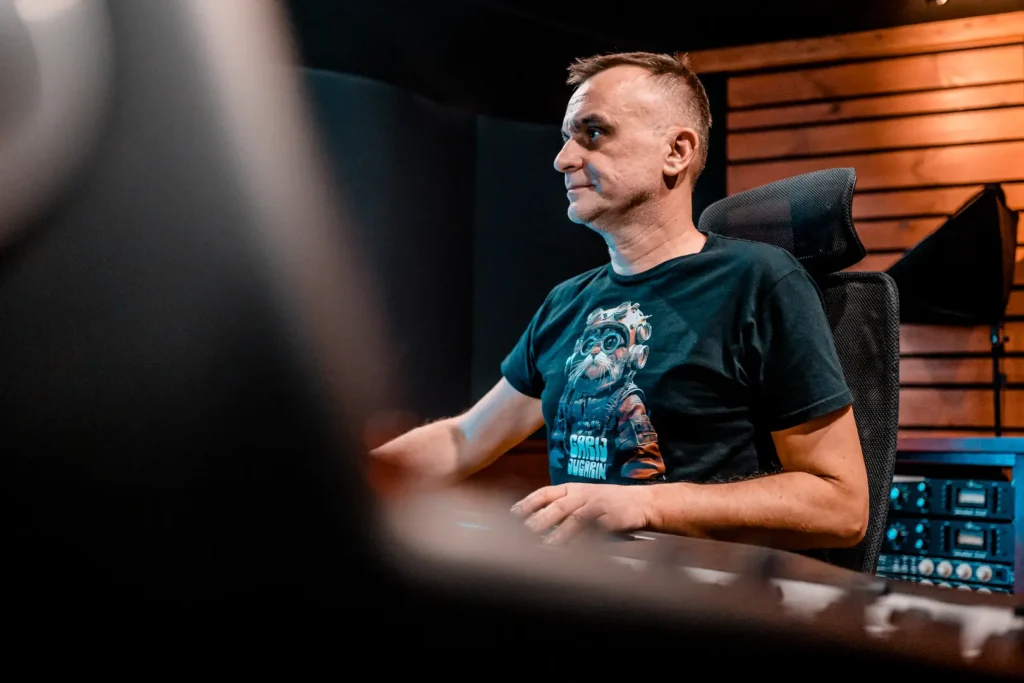
World-Class Rock, Metal Mixing Online
Define Your Sound with the Engineer Behind Behemoth, Decapitated, Hate, Hour Of Penance, Patriarkh, and Vader
From 1999 to 2025, as a co-owner, producer, and sound engineer at Hertz Studio, I didn’t just mix albums; I helped shape the sonic identity of modern rock and metal. From the depths of Behemoth’s The Satanist to the technical precision of Decapitated and Vader, my goal has always been simple: absolute sonic dominance.
Now, I bring that same uncompromising standard directly to your project through my independent online mixing services. You no longer need to fly to Poland to get that legendary, signature sound. Whether you are an established act or an upcoming band recording in a home studio, I will give your tracks the same attention to detail that earned me Double Platinum awards and Billboard chart positions.
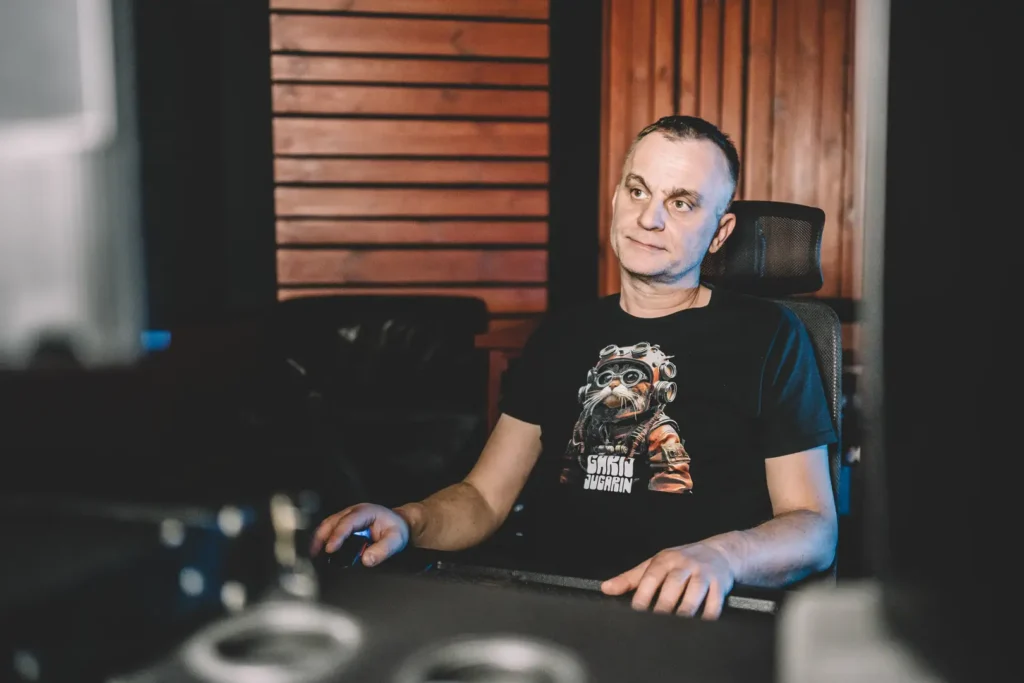
Why Choose My Metal Mixing Service?
In today’s fast-paced metal scene, a standard mix simply isn’t enough. Your music needs crushing drums, massive guitars, a devastatingly tight low-end, and absolute clarity at high BPMs. But above all, you need a unique approach and production that makes your album stand out from the rest.
My Signature Sound:
I combine top-tier analog gear (SSL, Neve, API) with advanced digital techniques to create mixes that are punchy, organic, and relentlessly loud.
Immersive Audio (Stereo, Surround & Atmos): I deliver mixes in classic high-impact Stereo, cinematic Dolby Surround, and cutting-edge Dolby Atmos. I will give your fans a massive, three-dimensional listening experience that translates perfectly to modern streaming platforms.
Genre Specialization:
I don’t just “mix rock” or “mix metal”. I specialize in Hard Rock, Modern Rock, Alternative Rock, Symphonic Metal, Extreme Metal, Death Metal, and Black Metal. I live and breathe this music, and I know exactly how to make it sound massive.
Hybrid Workflow: My setup allows me to enhance your home recordings (using professional reamping and sample reinforcement) to sound like a world-class, big-studio production.
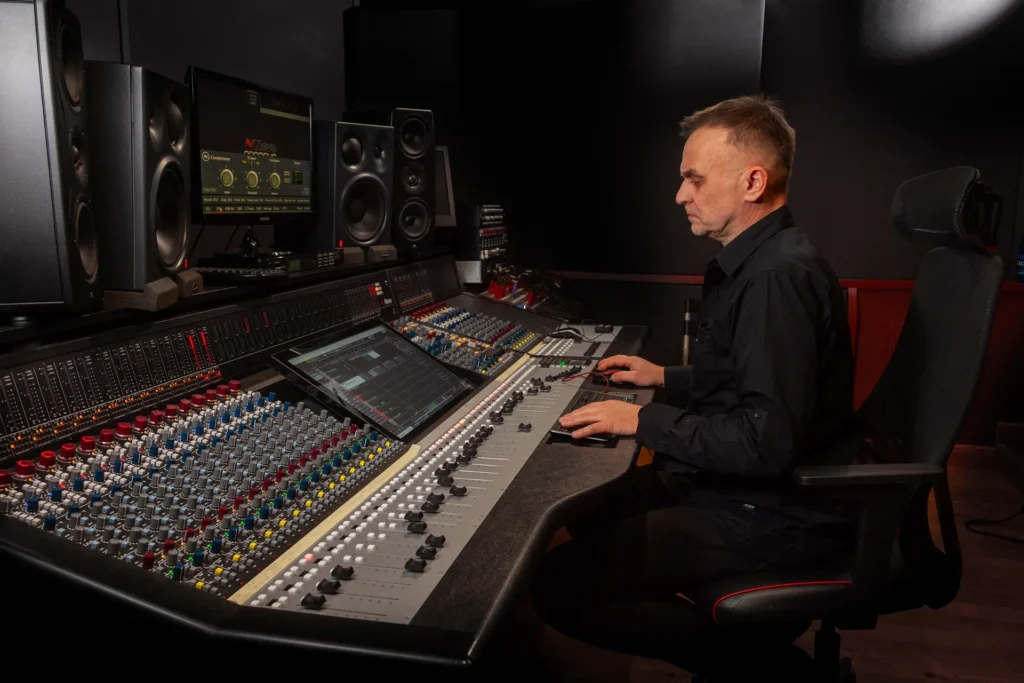
The Online Mixing Process
– How It Works Working remotely has never been easier. My online workflow is designed for seamless global collaboration:
Prepare & Send: You send over your multi-tracks or stems via my secure server. (Download my free guide: “How to Prepare Tracks for Metal Mixing” to ensure the best results).
Vision & Consultation: Before touching the faders, I prefer to hop on a video call to discuss your goals for the song, EP, or album. We align our visions to find the absolute best sonic direction for your music.
The Mix:
Turnaround takes anywhere from a week to a month, depending on the scope of the project. I usually dial in the sound and vibe on one track first to establish the blueprint for the entire release, then send it to you for review.
Review & Revisions: You receive the mix, and we collaborate closely on adjustments. I am not happy until you are blown away.
Remember:
from the moment we start working together, your success becomes my success. That is why I treat every project as if it were my own band.
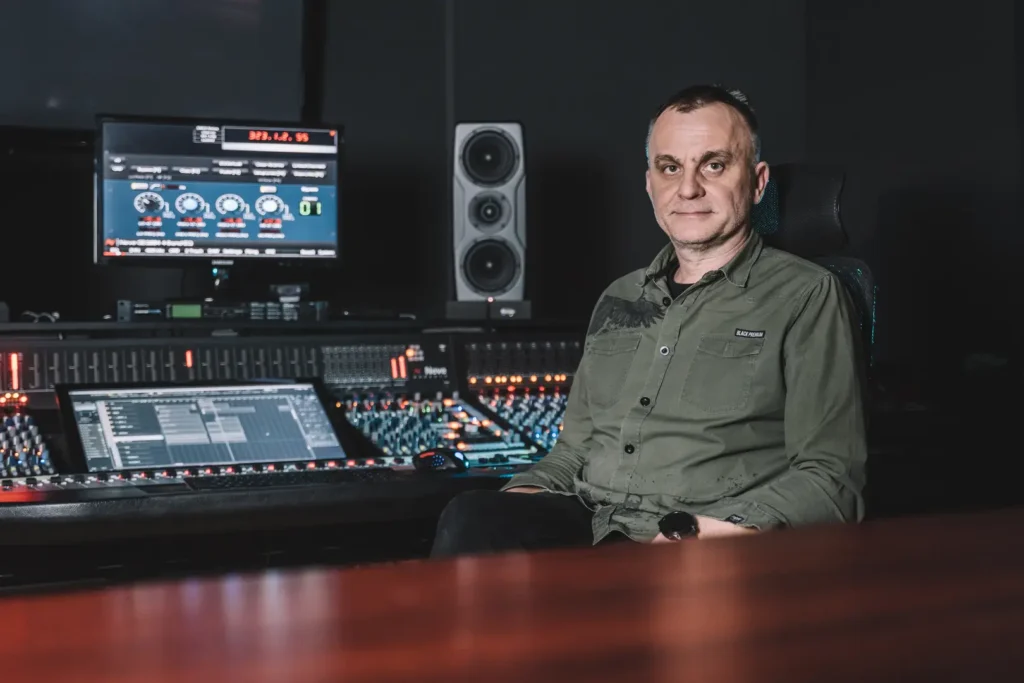
Frequently Asked Questions (FAQ)
Are clean direct signals (DIs) enough for mixing?
Yes, absolutely. During the mixing process, I will professionally reamp your guitar and bass DI tracks if necessary to get that massive tone. However, it’s always extremely helpful to also send the original amp tones you used during recording, so I can hear the exact sound and vibe you were aiming for.
Can you fix my home-recorded drums?
Yes. Using advanced editing and sample reinforcement , I can make home recordings sound massive.
Do you offer mastering included with mixing?
Yes, I provide a comprehensive mixing and mastering package to ensure your track is ready for Spotify, Apple Music (including Spatial Audio/Atmos), and vinyl.
Ready for a Massive Sound?
Don’t let a flat mix ruin great songwriting. If you are looking for top-tier metal mixing in Stereo or Dolby Atmos, let’s take your music to the next level.
How to Record Tracks and Prepare Stems for Mixing (Rock & Metal)
When you’re preparing to record in a professional studio or your home setup, achieving clarity, depth, and power begins at the source. The better the raw recording, the more devastating the final mix will be. Here are advanced strategies to record and organize your tracks effectively for a seamless, world-class online mixing process:
1. Gain Staging and Recording Levels
In any recording scenario, maintaining consistent gain staging is crucial for a great mix.
- Aim for input levels around -15 dBFS to -8 dBFS.
- Avoid peaking near 0 dBFS at all costs to maintain headroom and prevent digital distortion.
- Pro Tip: Try using Gainstage by Hertz Instruments — a simple but highly effective tool that helps you set levels properly across your entire session before exporting.
2. Recording Guitars & Bass (The Wall of Sound)
- Use Fresh Strings: Old strings produce a muddy, lifeless tone. Fresh strings are non-negotiable for clarity and a massive tone.
- The Bass Foundation: Treat the bass with the same respect as guitars. Use fresh strings (and by “fresh,” I mean changed right before the session). Most bass strings lose their top-end bite after just 1 or 2 days of intense playing. For bass, I strongly recommend using Elixir strings.
- Always Record a Bass DI: In rock and extreme metal, a tight bass DI is crucial for blending with the kick drum.
- Tune per Riff: Check your tuning before every single take, especially when recording heavy, down-tuned riffs.
- Watch the Gain: Too much gain destroys definition. Use moderate gain on your amp or sim; heaviness comes from tight double-tracking, not the gain knob.
- Double-Tracking: Record rhythm parts twice (don’t just copy and paste!) and pan them hard left and right.
- Always Record a Guitar DI: Whether you use hardware amps or plugins (Neural DSP, TONEX, STL Tones), always record a clean DI track alongside your amp tone. This allows me to reamp your signal later to perfectly fit the mix.
3. Acoustic Drum Recording
- New Drumheads & Tuning: Always record with new skins. Tune them perfectly (use a drum tuner like Tune-Bot) and re-check tuning between songs.
- Phase Alignment: Check for phase issues, especially between overheads, room mics, and close mics.
- Close Mics for Metal: If you plan to blend or replace shells with samples, capture the cleanest close-mic signals possible with minimal bleed.
- Top-Tier Mic Choices: Kick (AKG D112, Audix D6, Shure Beta 52A), Snare (Shure SM57), Toms (Sennheiser MD421, e604), Overheads/Room (Austrian Audio OC818/CC8, Neumann KM184/U87, AKG C414).
4. MIDI Drums (For Home Studio Recordings)
- Use High-End Libraries: Choose virtual drums with real-world character. Hertz Drums offers genre-specific kits perfect for extreme metal.
- Humanize: Add subtle velocity and timing variations so it doesn’t sound like a machine gun.
- Export Separately: Do not send one stereo drum track. Bounce your MIDI drums into individual audio tracks (Kick, Snare Top, Snare Bottom, Toms, Overheads, Room).
- Bypass Reverbs: Turn off internal reverbs in your drum plugin before exporting. Leave the spatial processing to me.
5. Vocal Recording
- Microphone Choice: Dynamic mics (Shure SM7B) or large-diaphragm condensers (Austrian Audio OC818, Neumann TLM 103) are excellent for aggressive metal vocals.
- Proximity & Plosives: With the SM7B, sing 1–3 inches from the mic. Always use a pop filter.
- Room Treatment: A treated vocal booth is ideal. However, a clothes-filled closet is a highly effective DIY alternative to absorb reflections and eliminate boxy room tones.
- Headphones: Use closed-back headphones to prevent backing track bleed into the vocal mic.
6. Track Editing and Tuning (Crucial Step)
- Tighten the Performance: Tight editing is the standard in modern rock and metal. Align drums, edit the bass to the kick, and ensure guitars are locked to the grid. Use tools like Beat Detective or slip-editing in your DAW.
- Clean the Noise: Manually edit and fade out silences between riffs or vocal phrases to remove hiss, breath noises, and amp hum.
- Important Note: Mixing engineers generally do not perform performance editing or comping. Submitting unedited, loose tracks will result in a messy mix, or the project may be returned to you for preparation.
7. The Final Export: Preparing Stems for Online Mixing
Follow this final checklist to ensure your files are ready for the studio:
- The “Zero Point” Export: Consolidate all tracks so they start at the exact same point (Bar 1, Beat 1), even if an instrument doesn’t come in until the middle of the song. This ensures perfect synchronization when I drop them into my DAW.
- Bypass the Master Bus: Turn off all limiters, compressors, and EQs on your master stereo output before exporting individual stems.
- Bypass Mix Processing: Turn off EQs and compressors on individual channels. However, keep creative effects printed (like a specific delay or a telephone filter on a vocal intro) if they define the part.
- Naming Convention: Name files clearly and sequentially (e.g., 01_Kick_In.wav, 02_Snare_Top.wav, 12_Gtr_L_DI.wav).
- Format: Export files as 24-bit WAV at 44.1 kHz, 48 kHz, or higher.
What to Include in the Final ZIP Folder:
- The multi-track audio files (stems/consolidated tracks).
- A MIDI file containing the Tempo Map (BPM and time signature changes).
- Your rough mix (so I can hear your initial vision).
- 1-2 reference tracks (commercial songs you love the sound of).
Place everything in a ZIP file and send it over via Dropbox, Google Drive, or WeTransfer. Let’s create something massive.